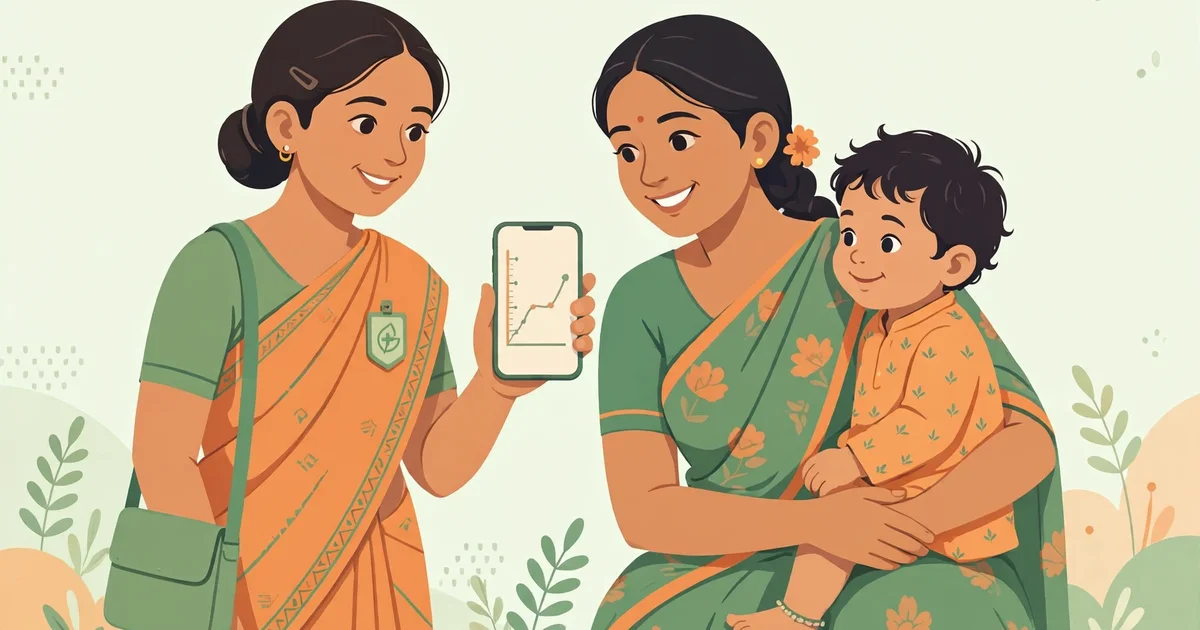
The simple answer is: Poshan Tracker is the Government of India’s official mobile app for tracking nutrition and child growth under the Poshan Abhiyaan programme. It is used mainly by Anganwadi workers to record children’s height and weight, mark attendance, and manage health services — and if you are a parent, there is also a free online calculator you can use without downloading anything at all.
Launched in 2021 by the Ministry of Women and Child Development, Poshan Tracker replaced the old paper registers with a digital system. Today it connects more than 1.4 million Anganwadi Centres and tracks the nutritional status of crores of women and children across India, making it one of the largest nutrition monitoring systems in the world.
This guide is written for everyone who keeps searching for answers about the app: Anganwadi workers logging in for the first time, supervisors monitoring their centres, and parents who simply want to know whether their child is growing well.
In this article, you will understand:
- What Poshan Tracker is and who it is built for
- How to download the app safely and log in step by step
- Quick fixes for common login problems like OTP not received
- How the official app compares with a free online calculator
What is Poshan Tracker?
Poshan Tracker is the official digital backbone of Poshan Abhiyaan (earlier called the National Nutrition Mission). Before it existed, Anganwadi workers maintained nearly a dozen paper registers by hand — a slow process where data reached supervisors weeks late and errors were common.
The app changed that. Every Anganwadi worker now carries the whole system in her pocket: she registers beneficiaries, records growth measurements, marks daily attendance, distributes Take-Home Ration (THR), and schedules home visits — all from her phone, with the data syncing to supervisors in near real time.
The system covers pregnant women, lactating mothers, children from birth to 6 years, and adolescent girls. When a child’s height and weight are entered, the app checks them against World Health Organization (WHO) growth standards and flags whether the child is growing normally or needs attention — for example, children who are underweight, stunted, or wasted may be classified as MAM (Moderate Acute Malnutrition) or SAM (Severe Acute Malnutrition) so they get help early.
Who Is It Built For?
Anganwadi Workers
The app is designed first for the Anganwadi worker. Her registered mobile number is her identity in the system. After logging in, she sees her centre’s dashboard: today’s task list, pending growth entries, children due for measurement, and families scheduled for home visits.
Supervisors and Officials
Supervisors, CDPOs (Child Development Project Officers), and district officials use monitoring dashboards built on the same data. They can see which centres opened on time, where attendance dropped, and which areas have rising malnutrition numbers — and take corrective action quickly.
Parents and Families
Parents are beneficiaries, not app users. If your mobile number is registered with your local Anganwadi centre, you can view your family’s records through the beneficiary portal. For a quick growth check at home, though, most parents find a free online calculator simpler — more on that below.
Key Features Inside the App
- Beneficiary registration — add pregnant women, lactating mothers, children, and adolescent girls with their details
- Growth monitoring — enter height and weight; the app applies WHO standards and flags MAM/SAM cases automatically
- Daily attendance — mark children present at the centre and record centre opening/closing
- Take-Home Ration (THR) distribution — record monthly ration given to beneficiaries, verified with a live photo through the Facial Recognition System (FRS)
- Home visit scheduling — plan and log visits to pregnant women and newborns
- Due lists — automatic lists of beneficiaries due for services like immunisation or growth measurement
- e-KYC verification — Aadhaar-based verification to make sure benefits reach the right person
How to Download It Safely (Official Source)
Only download the app from the official source. Third-party APK websites may bundle harmful software.
- Open the Google Play Store on your Android phone (the app needs Android 5.0 or higher)
- Search for “Poshan Tracker”
- Look for the official app published by the Ministry of Women and Child Development / NeGD (National eGovernance Division) — it is completely free
- Tap Install and open the app when done
👉 Important: never download the app from random websites or forwarded links. If someone sends you an APK file on WhatsApp claiming to be Poshan Tracker, delete it.
How to Log In: Step-by-Step
- Open the app and tap “User Login” — this is the option for Anganwadi workers (there is a separate admin login for officials).
- Enter your registered mobile number — this must be the same number your supervisor or CDPO registered for you in the ICDS system. Any other number will not work.
- Choose OTP or MPIN — on first login, the app sends an OTP (one-time password) to your registered number. Enter it and set your own 4-digit MPIN for future logins.
- Enter the OTP quickly — it expires in about 60 seconds. If it expires, tap “Resend OTP”.
- Open your dashboard — after login you will see your Anganwadi centre’s home screen with today’s tasks and alerts. The whole process takes under two minutes on a working internet connection.
OTP Not Received? Quick Fixes
- Check DND mode — switch off Do Not Disturb and make sure your registered SIM is set as the default for SMS
- Tap “Resend OTP” and wait a full two minutes before trying again
- Confirm your number is registered — ask your supervisor to check the mobile number saved for you in the backend; you cannot fix this yourself
- “Already logged in on another device” — wait 15–20 minutes for the old session to expire, then log in again; always use Logout before switching phones
- Switched phones? — clear the app’s saved data or reinstall it fresh from the Play Store, then log in with your registered number
- Forgot your MPIN? — use the “Forgot MPIN” option; the app will send an OTP to reset it
A Day in the Life: How Field Workers Use It
For an Anganwadi worker, the app structures the entire working day. In the morning she marks the centre open and records children’s attendance. On growth-monitoring days she measures each child’s height and weight and enters them — the app instantly shows whether the child is in the normal range or needs referral.
On ration days she distributes Take-Home Ration and captures a live photo of the beneficiary so the system can verify the right person received it. Between these tasks, she logs home visits to pregnant women and newborns, and in the evening the day’s data syncs to her supervisor’s dashboard.
This daily rhythm is exactly why the government pushed the system: problems like a sudden drop in a child’s weight are now visible within days instead of months.
Official App vs Free Online Calculator
Many parents search for the Poshan Tracker app hoping to check their own child’s growth — but the app is built for registered workers, not families. Here is how the two options compare:
| Feature | Poshan Tracker (Official) | Free Online Calculator |
|---|---|---|
| Who can use it | Registered Anganwadi workers & officials | Anyone — parents, caregivers, workers |
| Login needed | Yes — registered mobile + OTP/MPIN | No login at all |
| Download needed | Yes — Android app | No — works in the browser |
| Growth check (WHO standards) | Yes | Yes |
| Saves your data | Yes — synced to government records | No — nothing is stored |
| Best for | Official records & field work | Quick home checks |
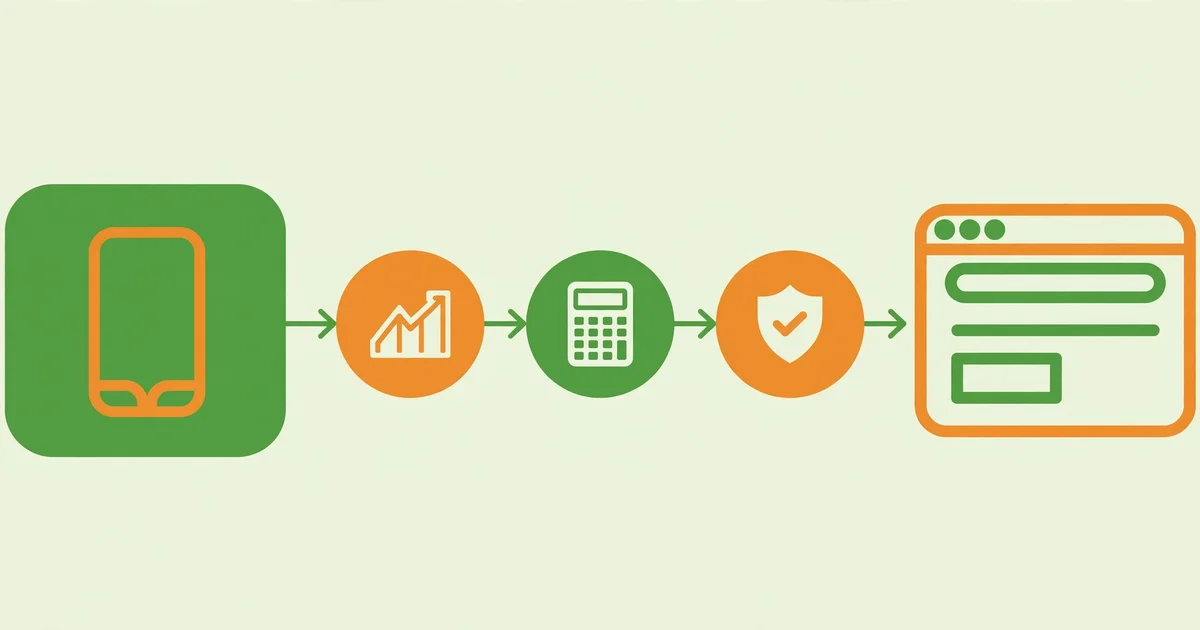
👉 Key takeaway: use the official app if you are a registered worker doing field work; use the free online calculator if you are a parent who wants an instant, private growth check.
Why Parents Love the No-Download Option
If you are a mother or father, the official app was never designed for you — you cannot log in without a registered worker number. The free online calculator fills that gap: open it in any browser, enter your child’s age, sex, weight, and height, and get an instant result based on the same WHO standards the app uses.
There is a privacy bonus too. The online calculator does not ask for your name, phone number, or any login — your child’s details stay on your own phone and are never uploaded anywhere.
How to Use the Free Online Calculator
- Open the calculator — click here to open our free Poshan calculator in your browser.
- Enter your child’s details — age in months, boy or girl, weight in kg, and height/length in cm. Measure carefully; small errors change the result.
- Get your instant result — the tool tells you whether your child’s growth is normal or shows signs of undernutrition.
- Know what to do next — if the result flags a concern, visit your nearest Anganwadi centre or doctor. Early action makes all the difference.
Which Tool Should You Pick?
- Anganwadi worker doing daily field work → the official Poshan Tracker app
- Supervisor monitoring centres → the app’s monitoring dashboard
- Parent checking growth at home → the free online calculator
- No registered mobile number → the free online calculator (the app will not let you in)
Limitations You Should Know
A few honest caveats. The official app needs an internet connection to sync data, and only registered users can log in — it is not a general parenting app. The online calculator is a screening aid, not a medical diagnosis: if it flags undernutrition, please confirm with a doctor or your Anganwadi worker rather than worrying alone.
Also note: this website is an independent awareness resource and is not affiliated with the Government of India. For official records and benefits, always rely on your Anganwadi centre and the official app.
FAQs
Is Poshan Tracker free to use?
Yes. The app is completely free to download and use for registered Anganwadi workers and officials.
Can parents use Poshan Tracker directly?
No. The app login requires a mobile number registered by the ICDS system for workers. Parents can check records through the beneficiary portal or use a free online calculator for instant growth checks.
What is the difference between Poshan Tracker and a Poshan calculator?
Poshan Tracker is the government’s complete field-work system for workers — registration, attendance, rations, and growth records. A Poshan calculator is a simple tool that checks one child’s growth against WHO standards in seconds.
Is there a Poshan Tracker app for iPhone?
The official app is built for Android. iPhone users should use the web portal or a free online calculator instead.
Can I check my child’s growth without downloading the app?
Yes. Our free online Poshan calculator works in any browser with no download and no login.
Conclusion
Poshan Tracker is the official engine behind India’s fight against malnutrition — a powerful tool for Anganwadi workers, supervisors, and the whole ICDS system. But it was built for registered field staff, not for parents at home.
If you are a worker, download the official app from the Play Store and log in with your registered number. If you are a parent who just wants to know “is my child growing well?”, skip the download entirely.