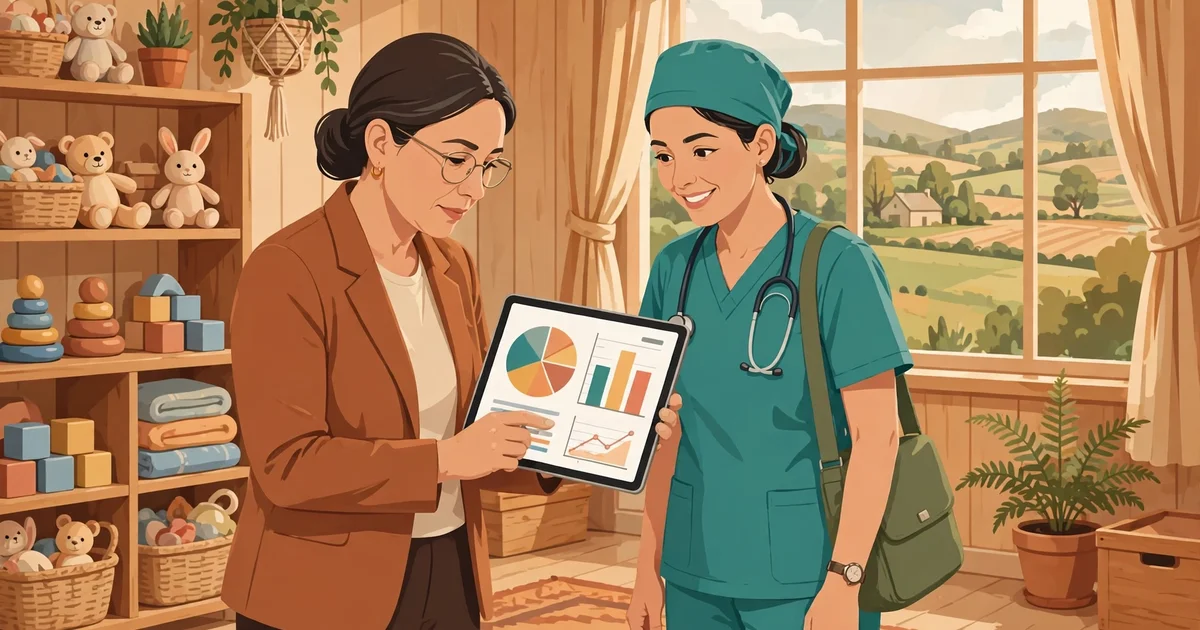
The simple answer is: supervisors and CDPOs use the Poshan Tracker admin dashboard and the Supportive Supervision module to watch every Anganwadi centre in their area in near real time — attendance, growth monitoring, THR distribution, and worker performance — without waiting for paper reports. It turns supervision from occasional inspections into daily, data-driven mentoring.
In the ICDS (Integrated Child Development Services) system, a Supervisor (also called Mukhya Sevika) oversees about 25–30 Anganwadi centres, while the CDPO (Child Development Project Officer) heads the entire block or project. The Poshan Tracker for Supervisors toolkit gives both of them a live window into the field: which centres opened today, which children missed growth monitoring, and which workers need support.
👉 Supervisors: recommend the free Poshan Calculator to parents in your area — WHO z-scores with no download needed.
In this article, you will understand:
- What the supervisor/CDPO dashboard shows and how to access it
- How the Supportive Supervision module improves data accuracy
- A daily monitoring routine, key indicators, and red flags to watch
- How to use dashboard insights for field visits and mentoring
Who Are Supervisors and CDPOs in the ICDS System?
The ICDS chain runs from village to nation: Anganwadi Worker → Supervisor (25–30 centres) → CDPO (a full block/project, often 75–150 centres) → DPO (District Programme Officer) → state → Centre. Supervisors are the first level of oversight — they verify measurements, guide workers, and solve field problems. CDPOs manage the whole project: staff, supplies, training, and performance reviews. Both roles now depend on digital dashboards for timely decisions.
Why Supervisors Need a Dashboard, Not Just Registers
Paper registers reach a supervisor weeks late and hide patterns. A dashboard shows today, this morning:
- Near real-time data on centre opening, attendance, meals, and home visits.
- Patterns across centres — which worker consistently misses growth monitoring, where THR stocks run out.
- Early warnings on rising malnutrition numbers before they become a crisis.
- Evidence for reviews — district rankings and CDPO review meetings now run on dashboard data.
Key takeaway: The dashboard doesn’t replace field visits — it tells you exactly where to visit first.
Poshan Tracker for Supervisors: What the Dashboard Shows
The admin dashboard (admin.poshantracker.in) and the supervisor view in the app present:
- Beneficiary coverage: registrations of pregnant women, lactating mothers, children 0–6, and adolescent girls.
- Service delivery: daily attendance, hot cooked meals (HCM), Take-Home Ration distribution, and ECCE (Early Childhood Care and Education) activities.
- Growth monitoring: children measured this month, plotted on WHO curves, with stunting, wasting, and underweight counts.
- Worker activity: home visits done, entries logged, and device/connectivity issues.
- Official onboarding status: how many DPOs, CDPOs, and supervisors in the area are onboarded on the system.
- Beneficiary redressal: complaints received and their resolution status.
The public can also view aggregate statistics at the Poshan Tracker public dashboard (poshantracker.in/statistics) — useful for transparency, though supervisor logins show far more detail.
The Supportive Supervision Module Explained
The Supportive Supervision module is a dedicated digital platform inside Poshan Tracker designed for real-time monitoring at supervisor, CDPO, and DPO levels. Rather than fault-finding inspections, it frames supervision as mentoring: the system flags data gaps and anomalies, and the supervisor follows up with guidance, retraining, or resources.
According to the Ministry, this module has measurably improved data accuracy in Poshan Tracker — when workers know entries are reviewed promptly and supportively, record quality rises. Read the official announcement in this Press Information Bureau release on the Supportive Supervision module.
Key Indicators Every Supervisor Should Watch Daily
- Centres opened vs expected — unopened centres mean no services that day.
- Children’s attendance — sudden drops signal migration, illness outbreaks, or disengagement.
- Growth monitoring coverage — every registered child measured this month?
- SAM/MAM counts — new severe cases need immediate referral and follow-up.
- THR/HCM distribution — stocks distributed match beneficiary counts?
- Home visits completed — especially for newborns, SAM children, and high-risk pregnancies.
How to Log In: App vs Admin Portal
| Feature | Mobile app (field view) | Admin portal (admin.poshantracker.in) |
|---|---|---|
| Who uses it | AWWs, supervisors on the move | CDPOs, DPOs, state officials |
| Login | Mobile number + OTP/MPIN | Email ID + password + captcha |
| Best for | Quick checks during field visits | Deep reports, filters, Excel exports |
| Session | Stays logged in on device | Auto logout after 10 min idle |
👉 Key takeaway: Use the app in the field and the portal at your desk — both show the same live data.
Step-by-Step: A Supervisor’s Daily Monitoring Routine
- Morning check (10 minutes): open the dashboard; note centres not yet opened and attendance figures.
- Flag anomalies: zero attendance, missing growth-monitoring entries, or sudden SAM spikes.
- Call or message workers at flagged centres before noon — many issues (network, device, absence) can be fixed the same day.
- Plan field visits around the data: visit the weakest centres first, not the nearest ones.
- Verify on the ground: randomly re-measure a few children’s height and weight to check data quality.
- Evening review: confirm the day’s entries are complete; data entry closes 12 am–5 am for maintenance.
Spotting Red Flags in the Data
- Identical measurements repeated across children or months — possible copy-paste entries.
- 100% perfect indicators every single day — real field data always has some variation.
- Growth monitoring done but zero SAM/MAM in a high-burden area — possible under-detection.
- THR distributed without FRS verification after the mandate date — needs follow-up.
- Worker inactive for days — check for transfer, leave, or device problems.
Raise data-quality concerns as coaching opportunities first — most errors come from workload and training gaps, not dishonesty.
👉 Share data wins with parents too — point them to the free Poshan Calculator for home growth checks.
Using Data for Field Visits and Mentoring

The best supervisors arrive at a centre already knowing its numbers. Instead of a generic inspection, the visit becomes targeted: “Your growth-monitoring coverage fell to 60% this month — let’s measure the missed children together now.” Demonstrate correct weighing and height measurement on the spot, watch the worker enter data in the app, and praise what’s working. This is supportive supervision in action — the dashboard diagnoses, the visit treats.
Beneficiary Redressal: Handling Complaints Through the Dashboard
The admin dashboard includes a beneficiary redressal section showing complaints and their status. Supervisors should:
- Review new grievances daily — denied rations, poor food quality, worker absence.
- Resolve locally within days where possible, and record the resolution.
- Escalate systemic issues (supply failures, staff vacancies) to the CDPO with dashboard evidence attached.
- Close the loop with the complainant — a resolved complaint nobody hears about builds no trust.
Common Dashboard Mistakes and How to Avoid Them
- Checking only your own block’s totals: drill down to centre level — averages hide failing centres.
- Ignoring back-dated entries: a sudden flood of old entries may signal last-minute fabrication; verify with a visit.
- Never logging out on shared computers: the 10-minute auto-logout helps, but always log out manually at cyber cafés or shared offices.
- Treating the dashboard as the whole job: data without field verification is just numbers on a screen.
Data Discipline: What Supervisors Must Tell Their Workers
Pass these non-negotiables to every worker in your circle: enter data the same day; never copy previous months’ measurements; measure — don’t estimate — every child’s height and weight; report device or network problems immediately instead of going silent; and remember that accurate data protects the worker too — it proves the work was done.
FAQs
How do supervisors log in to Poshan Tracker?
Through the mobile app (mobile number + OTP/MPIN) for field use, or the admin portal at admin.poshantracker.in (email + password + captcha) for detailed reports.
What is the Supportive Supervision module?
A dedicated digital platform in Poshan Tracker for real-time monitoring at supervisor, CDPO, and DPO levels, designed to improve data accuracy through mentoring rather than fault-finding.
Which indicators matter most daily?
Centre opening, children’s attendance, growth-monitoring coverage, new SAM/MAM cases, THR/HCM distribution, and home visits.
Can supervisors see individual beneficiary records?
Yes — supervisor and CDPO logins show beneficiary-level detail for their jurisdiction, unlike the public dashboard which shows only aggregates.
What should a supervisor do about suspicious data?
Treat it as a coaching opportunity first: visit the centre, re-measure children, retrain the worker, and escalate only if problems persist.
Conclusion
Poshan Tracker gives supervisors and CDPOs something previous generations never had: a live, honest picture of every Anganwadi centre, every morning. The dashboard shows where to go, the Supportive Supervision module shows how to help, and the redressal system shows whether citizens are heard. Used well, these tools turn supervision from paperwork into mentorship — and that is what finally moves nutrition numbers.
👉 Put data to work in your block today — and give parents the free Poshan Calculator for growth checks between visits.