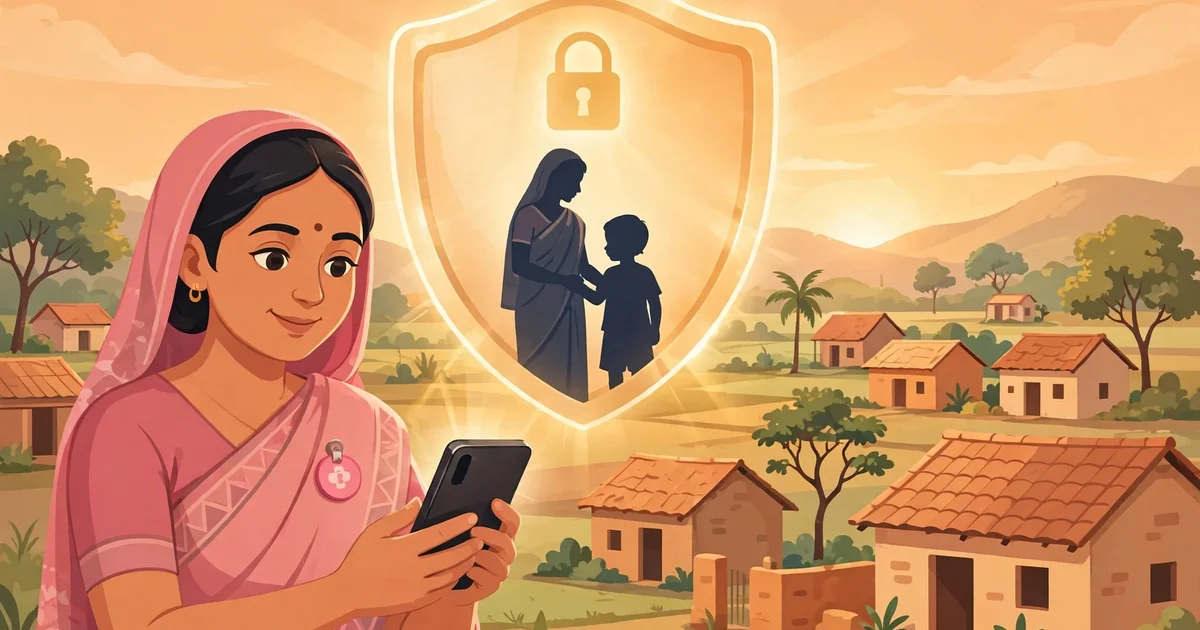
The simple answer is: Poshan Tracker Data Privacy rests on safeguards like encrypted storage, role-based access, and face-verification protection — but much still depends on how carefully each Anganwadi worker uses the app. No app can protect data a user photographs or forwards on WhatsApp.
Poshan Tracker is the Government of India’s official nutrition-monitoring app, used by Anganwadi workers under Poshan Abhiyaan (the Prime Minister’s Overarching Scheme for Holistic Nourishment). It records personal details of millions of beneficiaries — names, addresses, phone numbers, growth measurements, and health records — making privacy a daily responsibility for every worker.
👉 Try our free Poshan Calculator — check your child’s growth against WHO (World Health Organization) standards in seconds, with no app download and no personal data stored.
In this article, you will understand:
- What kind of personal data the Poshan Tracker app collects and stores
- How encryption, role-based access, and face verification protect that data
- What gaps and risks RTI (Right to Information) inquiries have flagged
- The practical privacy rules every Anganwadi worker must follow in 2026
What Is Poshan Tracker Data Privacy, and Why Does It Matter?
Data privacy in Poshan Tracker means beneficiary information — children’s details, pregnancy records, health conditions, contact numbers — is collected only for nutrition services, seen only by authorized people, and stored securely.
If this data leaks, families face spam calls, identity misuse, and stigma around conditions like SAM (Severe Acute Malnutrition).
What Kind of Data Does the Poshan Tracker App Collect?
The app collects several categories of information:
- Identity details: name, age, gender, address, and phone number.
- Health and nutrition records: height, weight, MUAC (mid-upper arm circumference), growth status, immunization, and pregnancy details.
- Service records: take-home ration (THR) distribution, meal attendance, home visit logs, and referrals.
- Verification data: Aadhaar-seeded details and, in many areas, face-verification records used to confirm a beneficiary’s identity.
This data syncs to government servers so officials can monitor nutrition outcomes across districts and states.
How Is Beneficiary Data Protected on the App?
The app includes several layers of protection that work quietly in the background:
- Encrypted transmission: data travelling to government servers is encrypted, so it cannot be easily read if intercepted.
- Secure server storage: records sit on government-managed servers with restricted access.
- Login authentication: each worker uses her own login, so every entry is traceable.
- App-level permissions: the app requests only needed permissions, like camera access for face verification.
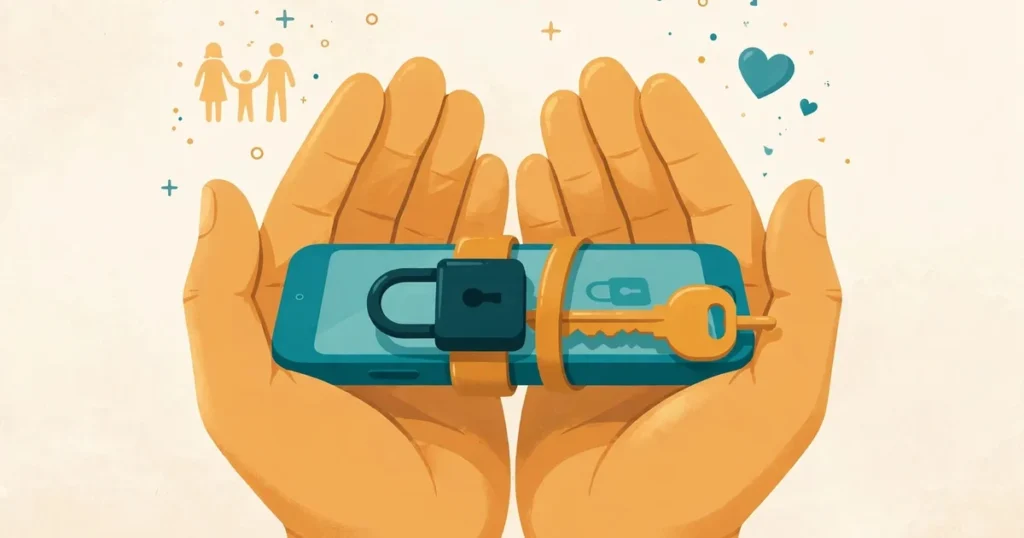
These safeguards are the plumbing of privacy — but a locked door is useless if the key is left under the mat.
What Is Face Verification, and How Is That Data Encrypted?
Face verification confirms that the person receiving services — for example, take-home rations — is the registered beneficiary. The worker captures the face through the app’s camera, and the system matches it against the stored record.
A face is biometric data — it cannot be changed like a password — so images are encrypted on the device and during transmission, used only for authentication. Explain it simply: “Your photo stays locked in the government system and only confirms the ration reaches you.”
Bottom line: biometric data is the most sensitive data the app handles, so treat every face-verification capture with extra care.
Who Can See Your Data? Understanding Role-Based Access
Role-based access means each person sees only what their job requires:
- Anganwadi worker: sees only the beneficiaries registered at her own centre.
- Supervisor: sees combined data across her centres for monitoring.
- District and state officials: see dashboards and summaries, not individual family details.
- Beneficiary families: can view their own records on the worker’s phone.
If one login is misused, only that centre’s data is exposed — not a whole district’s.
👉 Curious how growth records are calculated? Try the free Poshan Calculator — WHO-based results with no sign-up and no data stored.
How Does the App Handle Your Child’s Growth Records?
Growth records — weight-for-age, height-for-age, and weight-for-height against WHO (World Health Organization) standards — are the app’s most-accessed data. Each measurement builds a history that flags stunting (low height for age), wasting (low weight for height), and SAM/MAM (Severe/Moderate Acute Malnutrition).
Records sync to the server so a child who moves centres keeps her history. But never share screenshots of growth charts on WhatsApp or social media, even to “show good work” — they contain identifiable child data.
Disclaimer: the app’s growth flags are a screening aid, not a medical diagnosis. Always confirm concerns with a doctor or your Anganwadi worker.
What Do RTI Inquiries Reveal About Data Gaps?
RTI (Right to Information) inquiries by researchers and journalists have raised careful questions about large government databases — how data is stored, who audits access, how long records are kept. They don’t prove wrongdoing, but they highlight where transparency can improve.
Common gaps flagged in public discussion include:
- Limited public information about independent security audits of the app’s servers.
- Unclear policies on how long data is kept after a child ages out of the programme.
- Questions about consent — whether beneficiaries fully understand what data is collected and why.
- Concerns about data sharing between departments and how that sharing is governed.
What Should Anganwadi Workers Never Do With Beneficiary Data?
Most breaches come from ordinary mistakes, not hackers. Make these your red lines:
- Never share your app login ID or password with anyone.
- Never photograph beneficiary lists or growth records and forward them on WhatsApp or social media.
- Never use a beneficiary’s phone number for personal calls, messages, or marketing.
- Never leave the app open and unattended on a shared or borrowed phone.
- Never collect more data than the app asks for.
- Never discuss a family’s health with neighbours or community members.
How Can Parents Protect Their Family’s Information?
Parents can protect their family’s data too:
- Ask the worker what information is being entered and why it is needed.
- Check that your phone number and address are recorded correctly.
- Ask who will be able to see your family’s records.
- If you change your number, inform your worker so records are updated.
- Report suspicious calls from strangers who know your child’s details to your worker or supervisor.
👉 Want to check your child’s growth privately at home? Use the free Poshan Calculator — it runs in your browser and stores nothing.
What Protects Your Data, and What Depends on You?
Privacy is a partnership between the app’s safeguards and the worker’s habits:
| Protected by the app and system | Depends on the worker |
|---|---|
| Encrypted data transfer to servers | Keeping login credentials private |
| Role-based access to records | Logging out on shared or old phones |
| Encrypted face-verification data | Not photographing or forwarding records |
| Traceable, account-linked entries | Explaining data use to families honestly |
| Server-side access controls | Collecting only the data the app requires |
👉 Key takeaway: the app locks the doors, but only the worker holds the keys — safe habits complete the security chain.
What Is the One-Page Privacy Checklist for Every Worker?
Print this out or save it on your phone. Run through it every month:
- Change your app password every three months, and never share it.
- Sync all entries to the server at least once a week.
- Ensure no beneficiary photos or lists sit in your gallery or WhatsApp.
- Verify that old phones are logged out and wiped before disposal.
- Note who has seen sensitive records this month.
- Explain data collection to one new family each week, in their language.
- Report lost phones, suspicious logins, or data errors to your supervisor immediately.
FAQs
Is my child’s data safe in the Poshan Tracker app?
Yes — the app uses encryption and role-based access, but never share login details and report anything suspicious to your supervisor.
Can Anganwadi workers see data from other centres?
No. Each worker sees only her own centre’s beneficiaries; wider access is strictly role-based.
What is face verification in Poshan Tracker?
It matches a beneficiary’s face during service delivery (like ration distribution) to prevent fraud; the data is encrypted in storage and transit.
Who do I contact if my personal data is misused?
Start with your Anganwadi worker or supervisor, then escalate to the district programme officer or a government grievance portal.
Does Poshan Tracker sell beneficiary data?
No. It is a government system, and its data is used only for programme purposes under official guidelines.
Conclusion
Poshan Tracker Data Privacy is shared: the app provides encryption, role-based access, and secure face verification; every worker provides the daily discipline that makes them work. Guard your login, never forward records, explain data use plainly — trust turns data into better nutrition.
👉 Start with a private, no-storage growth check today — try the free Poshan Calculator, built on WHO standards for Indian families.